
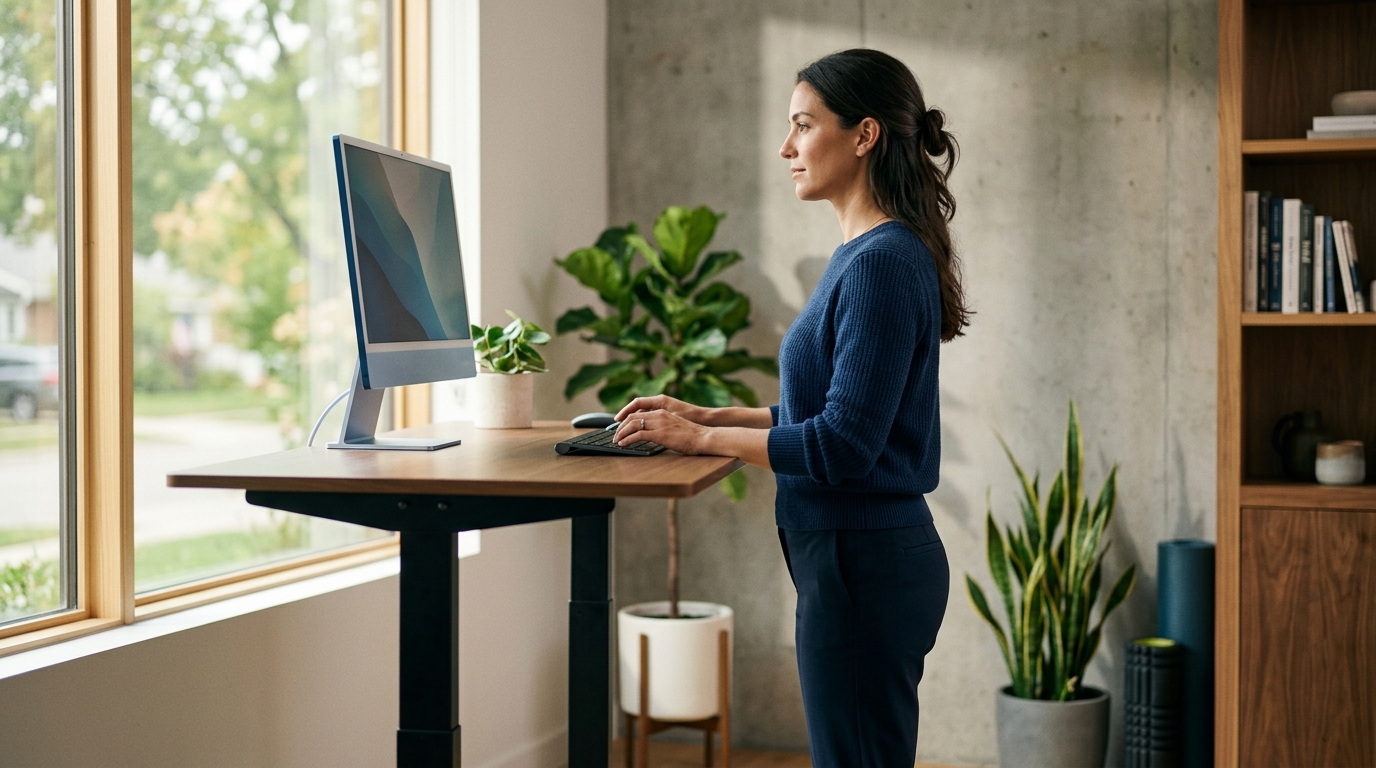
Standing desks help your back when they allow you to maintain a neutral spine and relaxed shoulders while working. The key is not the desk itself, but how you set it up and how often you change positions. Ask Dr. Grant emphasizes that a good standing desk is one that fits your specific body and workflow, not just a generic height setting.
The Core Principle: Neutral Spine Alignment
The primary goal of any workstation setup is to keep your spine in a neutral position. This means your ears, shoulders, and hips should align vertically. When your desk is too high, you may hunch your shoulders or bend your wrists. When it is too low, you may round your upper back. A standing desk is only as good as its ability to support this alignment for your specific height and posture.
Height Adjustment: The Elbow Rule
Proper standing desk height is determined by your elbow position, not a fixed number. You should set the desk so that your elbows are at a 90-degree angle and your wrists are straight. This position keeps your shoulders relaxed and prevents strain on your neck and upper back. If your elbows are higher than your shoulders, your desk is too high. If they are lower, it is too low.
Monitor Placement and Neck Strain
Your monitor placement is just as important as your desk height. The top of your screen should be at or slightly below eye level. This prevents you from tilting your head up or down, which can cause significant neck strain. If your desk is set to the correct height but your monitor is too low, you may end up with a hunched posture. Use a monitor arm or riser to adjust the screen independently of the desk surface.
Movement: The Real Benefit of a Sit-Stand Desk
The biggest benefit of a standing desk is not standing, but the ability to move. Standing for eight hours straight can cause its own set of problems, including leg fatigue and lower back pain. The ideal use of a sit-stand desk is to alternate between sitting and standing throughout the day. This movement helps maintain blood flow and reduces the static load on your spine. A good standing desk makes this transition easy and frequent.
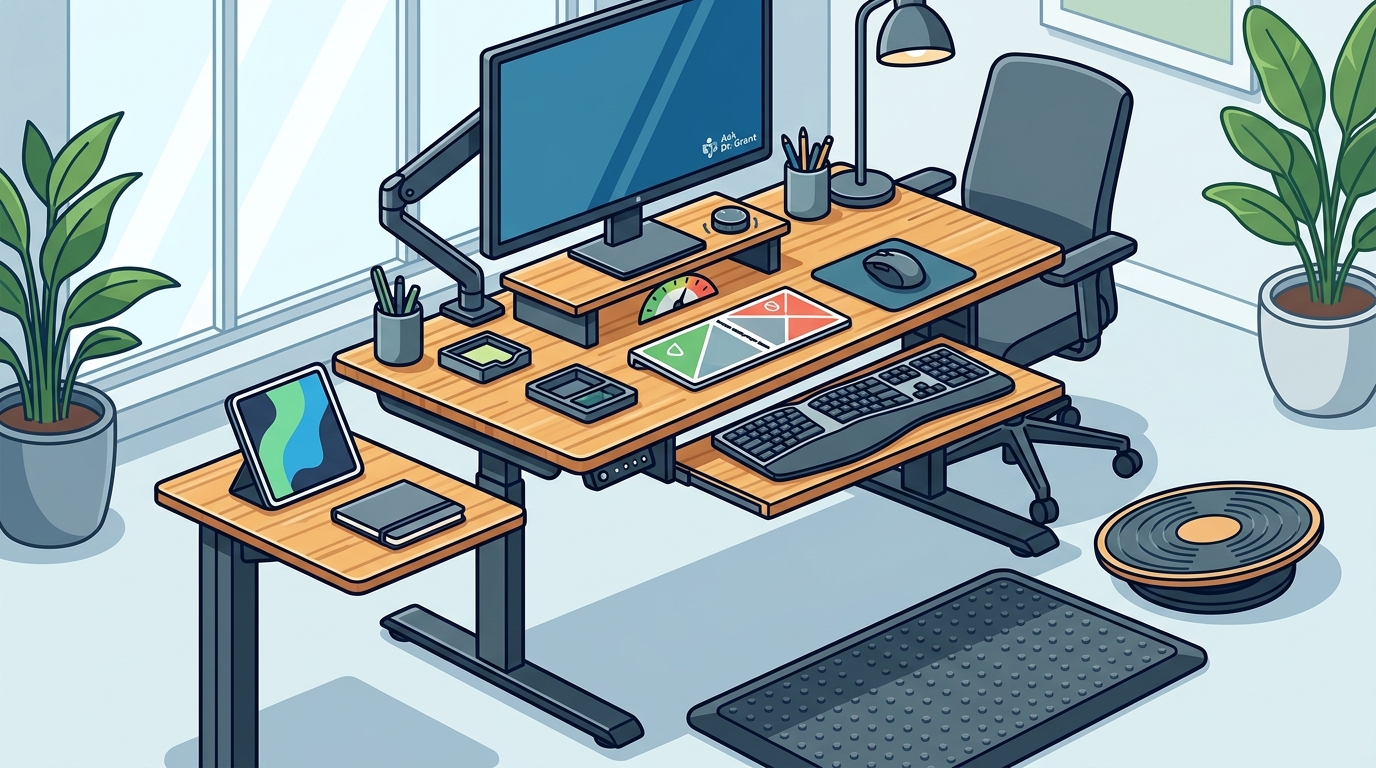
Choosing the Right Desk for Your Space
Key Takeaways
- Set your desk so your elbows are at a 90-degree angle and your wrists are straight.
- Keep the top of your monitor at or slightly below eye level to prevent neck strain.
- Alternate between sitting and standing throughout the day to reduce static load on your spine.
- Choose a desk with a sturdy frame and a smooth, quiet motor for easy adjustments.
- Consider the size of your workspace and the weight of your equipment when choosing a desk.
Frequently Asked Questions
How high should my standing desk be?
Your standing desk should be set so that your elbows are at a 90-degree angle and your wrists are straight. This position keeps your shoulders relaxed and prevents strain on your neck and upper back.
Is standing all day bad for my back?
Standing for long periods without movement can cause its own set of problems, including leg fatigue and lower back pain. The ideal use of a sit-stand desk is to alternate between sitting and standing throughout the day.
What is the best monitor height for a standing desk?
The top of your monitor should be at or slightly below eye level. This prevents you from tilting your head up or down, which can cause significant neck strain.
Do I need a special chair for a standing desk?
You do not need a special chair, but you should have a comfortable chair that supports good posture when you are sitting. A chair with adjustable height and lumbar support is ideal.
How often should I switch between sitting and standing?
There is no one-size-fits-all answer, but a common recommendation is to alternate every 30 to 60 minutes. The key is to move frequently and avoid staying in one position for too long.