

Ask Dr. Grant provides free, educational guidance on ergonomic office chairs from a chiropractic perspective without requiring a clinic visit. This guide covers virtual consultation options, essential chair features, and workspace assessment methods to help you optimize your setup at home.
Virtual Chiropractic Consultations
Many individuals seek professional input on their workspace setup without scheduling an in-person appointment. Virtual chiropractic consultations allow patients to discuss posture, pain, and equipment with a licensed practitioner via video or phone. This method is useful for general ergonomic advice but does not replace a physical examination for diagnosing specific medical conditions.
Understanding the Scope of Online Advice
Online guidance is educational. A chiropractor can review photos of your desk setup and discuss general principles of spinal alignment. However, they cannot perform a physical adjustment or diagnose complex musculoskeletal issues through a screen. Ask Dr. Grant emphasizes that its AI assistant and content are for shopping guidance and education, not medical diagnosis or treatment.
Using Educational Platforms for Guidance
Ergonomic Chair Features
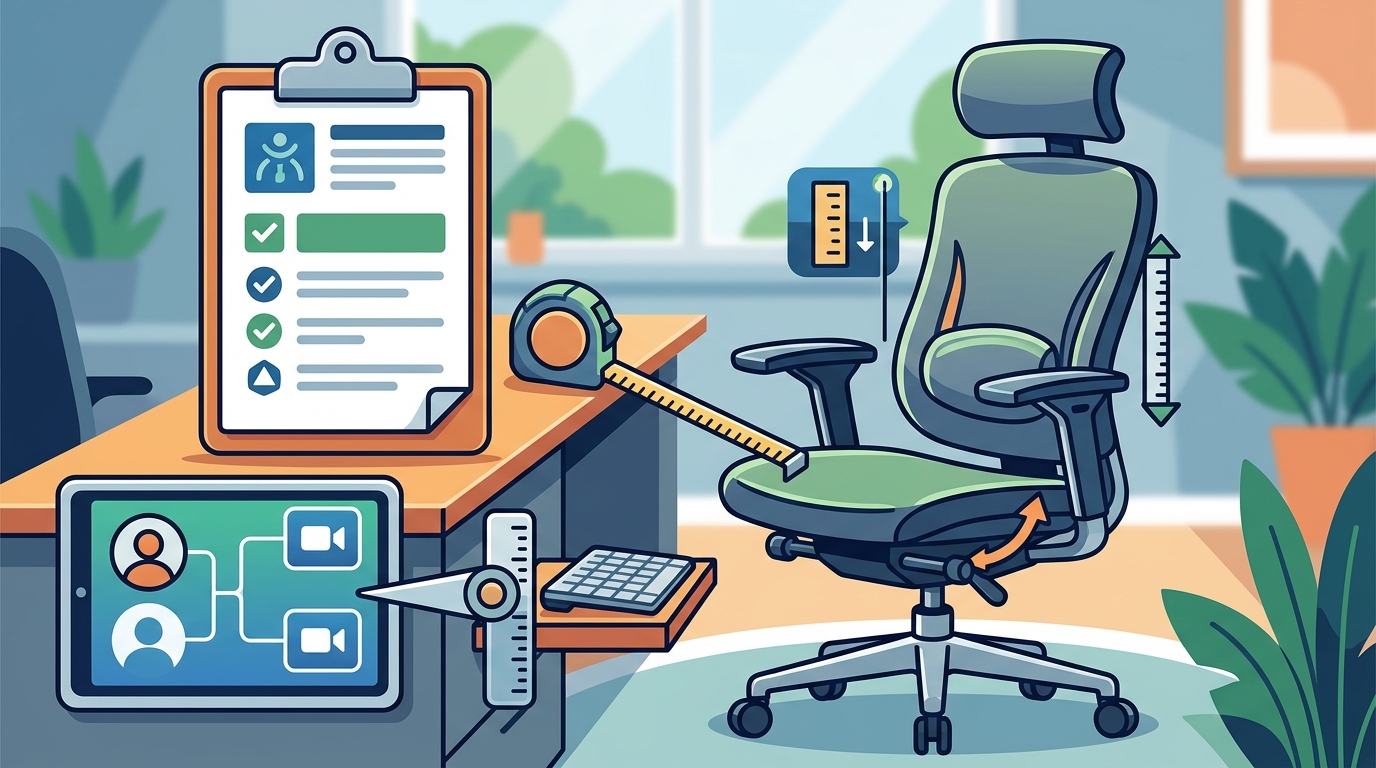
An ergonomic chair is a seat designed to support the natural curves of the spine and reduce physical strain during prolonged sitting. The most critical features to evaluate are seat height, seat depth, and lumbar support. Understanding these components helps you determine if a chair fits your specific body dimensions and work habits.
Seat Height and Depth
Seat height determines whether your feet can rest flat on the floor. If your feet dangle, your thighs may compress the underside of your knees, restricting blood flow. Seat depth is the distance from the backrest to the front edge of the seat. It should allow a small gap between the back of your knees and the seat edge to prevent pressure on the popliteal area.
Lumbar Support and Backrest
Lumbar support is a feature that maintains the natural inward curve of the lower spine. Adjustable lumbar support is preferable because it allows you to position the support exactly where your lower back needs it. The backrest should also support the upper back and shoulders, keeping the spine in a neutral position rather than slouching forward.
Armrests and Adjustability
Armrests should allow your shoulders to relax and your elbows to bend at approximately 90 degrees. If armrests are too high, they can force your shoulders up, leading to tension in the neck and trapezius muscles. Look for chairs with adjustable armrests that can be moved up, down, and inward to fit your desk height and body shape.
| Feature | Primary Function | Adjustment Tip |
|---|---|---|
| Seat Height | Feet flat on floor, thighs parallel to floor | Adjust until knees are at 90 degrees |
| Seat Depth | Prevent pressure behind knees | Leave 2-3 fingers of space behind knees |
| Lumbar Support | Maintain lower spine curve | Position at the natural inward curve of the waist |
| Armrests | Support forearms, relax shoulders | Set so elbows are at 90 degrees |
Workspace Assessment Methods
A workspace assessment is a systematic process of evaluating how your body interacts with your desk, chair, and computer equipment. This method helps identify postural strain before it becomes chronic pain. You can perform a basic self-assessment at home using simple checks and guidelines from occupational safety resources.
Self-Assessment Checklist
Start by observing your posture while working. Your ears should align vertically with your shoulders, and your shoulders should align with your hips. If you find yourself reaching for the keyboard or tilting your head to see the monitor, your equipment is not positioned correctly. Use a mirror or ask a colleague to take a photo of your side profile to check for slouching.
Monitor and Keyboard Placement
The top of your monitor should be at or slightly below eye level. This position allows you to look slightly downward, which is more natural for the neck than looking up. The keyboard should be close enough that you do not have to reach forward. Your wrists should remain straight and neutral while typing, not bent up or down.
When to Seek Professional Help
If you experience persistent pain, numbness, or tingling, a self-assessment is not enough. These symptoms may indicate a nerve issue or other medical condition that requires individual assessment by a qualified health professional. Ask Dr. Grant advises that product recommendations cannot establish the cause of a symptom. If symptoms persist or worsen, consult a clinician for a proper diagnosis.
Key Takeaways
- Virtual chiropractic consultations provide educational guidance on ergonomics but do not replace physical examinations or medical diagnosis.
- Adjustable lumbar support is essential for maintaining the natural curve of the lower spine during long work sessions.
- Armrests should be adjusted to keep shoulders relaxed and elbows at a 90-degree angle.
- A workspace assessment involves checking the alignment of your ears, shoulders, and hips while seated.
- Monitor placement should be at eye level to prevent neck strain from looking up or down.
- Persistent pain or numbness requires a professional medical evaluation, not just equipment adjustment.
- Educational platforms like Ask Dr. Grant can help you match chair features to your body and budget without a clinic visit.
Frequently Asked Questions
Can a chiropractor diagnose my back pain over a video call?
No. A chiropractor cannot diagnose specific medical conditions or perform physical adjustments over a video call. They can provide general ergonomic advice and discuss posture, but a physical examination is required for diagnosis and treatment.
What is the most important feature in an ergonomic chair?
Adjustable lumbar support is often considered the most important feature because it directly supports the lower spine. However, seat height and depth are equally critical for overall comfort and circulation.
How do I know if my chair fits me?
Your chair fits if your feet rest flat on the floor, your knees are at 90 degrees, and you have a small gap between the back of your knees and the seat edge. Your shoulders should also be relaxed when your forearms rest on the armrests.
Is a standing desk better than an ergonomic chair?
Neither is universally better. The goal is to alternate between sitting and standing to reduce static load on the spine. A well-fitted ergonomic chair is essential for comfortable sitting, while a standing desk allows for position changes.
Where can I get free ergonomic advice?
You can get free educational guidance from resources like Ask Dr. Grant, which offers buying guides and a guided tool to help you match chair features to your needs. This is for shopping guidance, not medical advice.
Do I need a new chair if I have back pain?
Not necessarily. First, adjust your current chair and desk to ensure proper posture. If pain persists after optimizing your setup, consult a healthcare professional to rule out underlying medical issues before investing in new equipment.